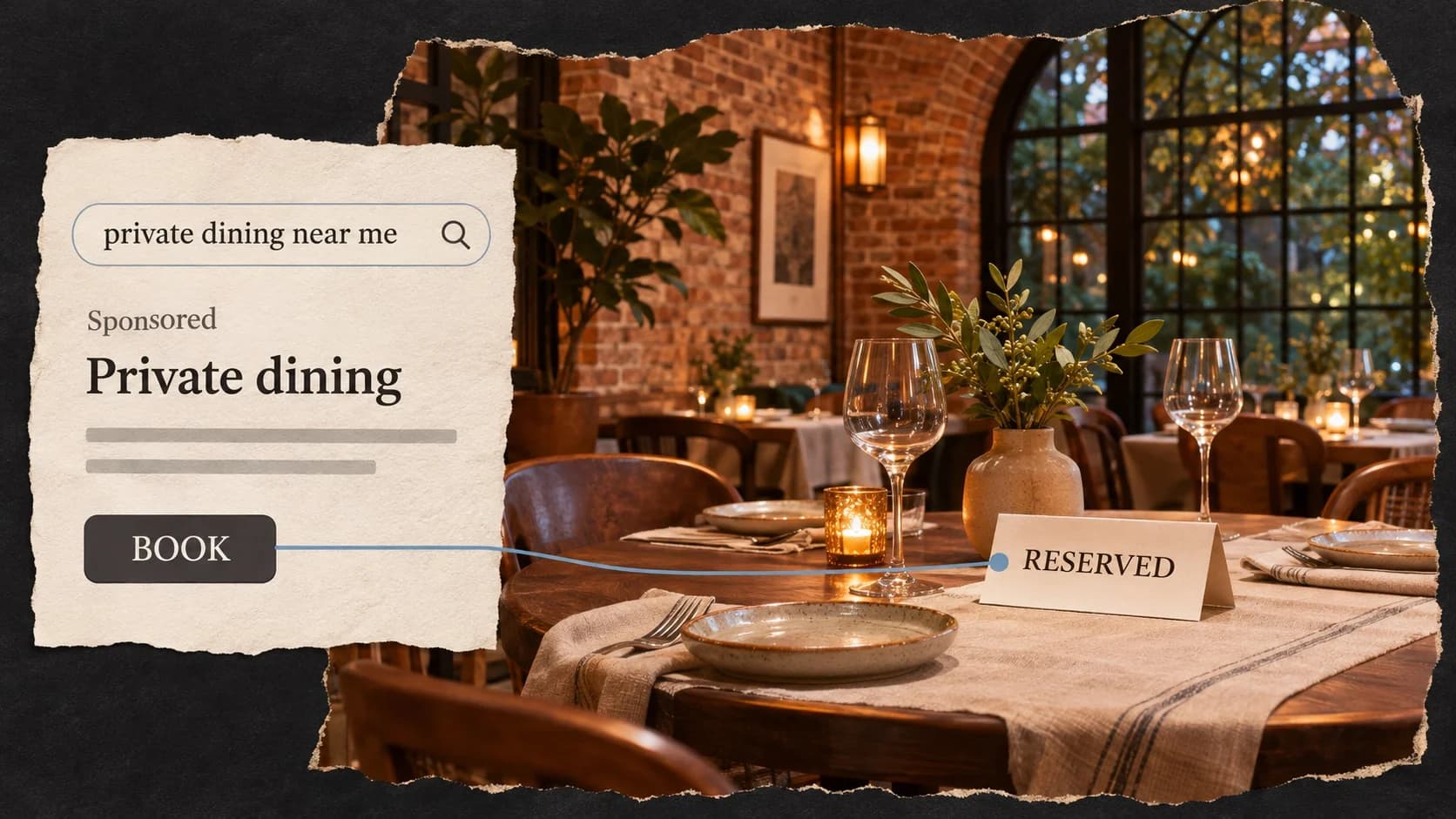
Google Ads can fill tables, but most restaurants that try it on their own end up paying for clicks from people who were never going to book. A tighter setup usually does more than a bigger budget.
We build and run Google Ads for restaurants in Atlanta, and most of the budgets we work with fall between $500 and $1,500 a month. This is what we've learned about making that money count.
Start With Search, Not Performance Max
When you open a new Google Ads account, Google pushes you toward Performance Max, a campaign type that spreads your budget across Search, Maps, YouTube, Gmail, and display ads at once. It needs plenty of conversion data and budget to learn, and at a few hundred dollars a month it often spends on placements that never fill a table.
Search campaigns show your ad only when someone types a search you chose, like "private dining room near me" or "Thai restaurant Buckhead." For a small budget, that intent is everything. Start there, and look at other campaign types once you know what a booking costs you.
Split Campaigns by What You Sell
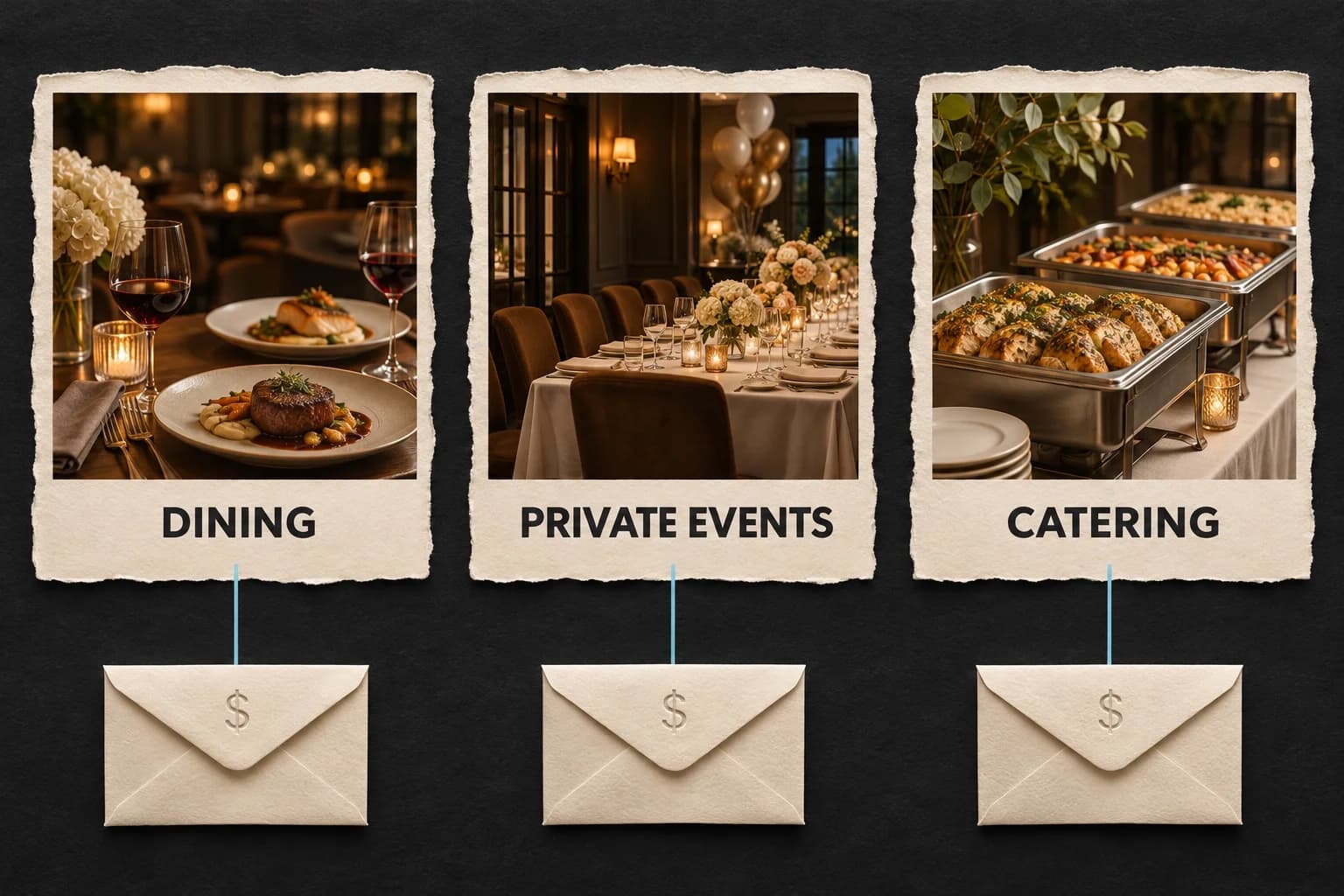
One campaign for "restaurant" mixes very different searches. Someone looking for a quick dinner nearby and someone planning a 40 person holiday party need different ads, different landing pages, and different budgets. We usually separate:
- Brand: people searching for you by name. Cheap clicks, and they keep competitors and booking sites from taking guests who already want you.
- Dining: cuisine and neighborhood searches near the restaurant.
- Near me: "restaurants near me" style searches, run only while you're open.
- Private dining and events: private rooms, buyouts, rehearsal dinners, and celebrations.
- Holiday parties: a seasonal campaign with a clear start and end date.
- Catering, if you cater.
Separate campaigns mean separate budgets, so a spike in cheap dining clicks can't eat the money meant for private events.
Use Phrase and Exact Match, Plus Negatives
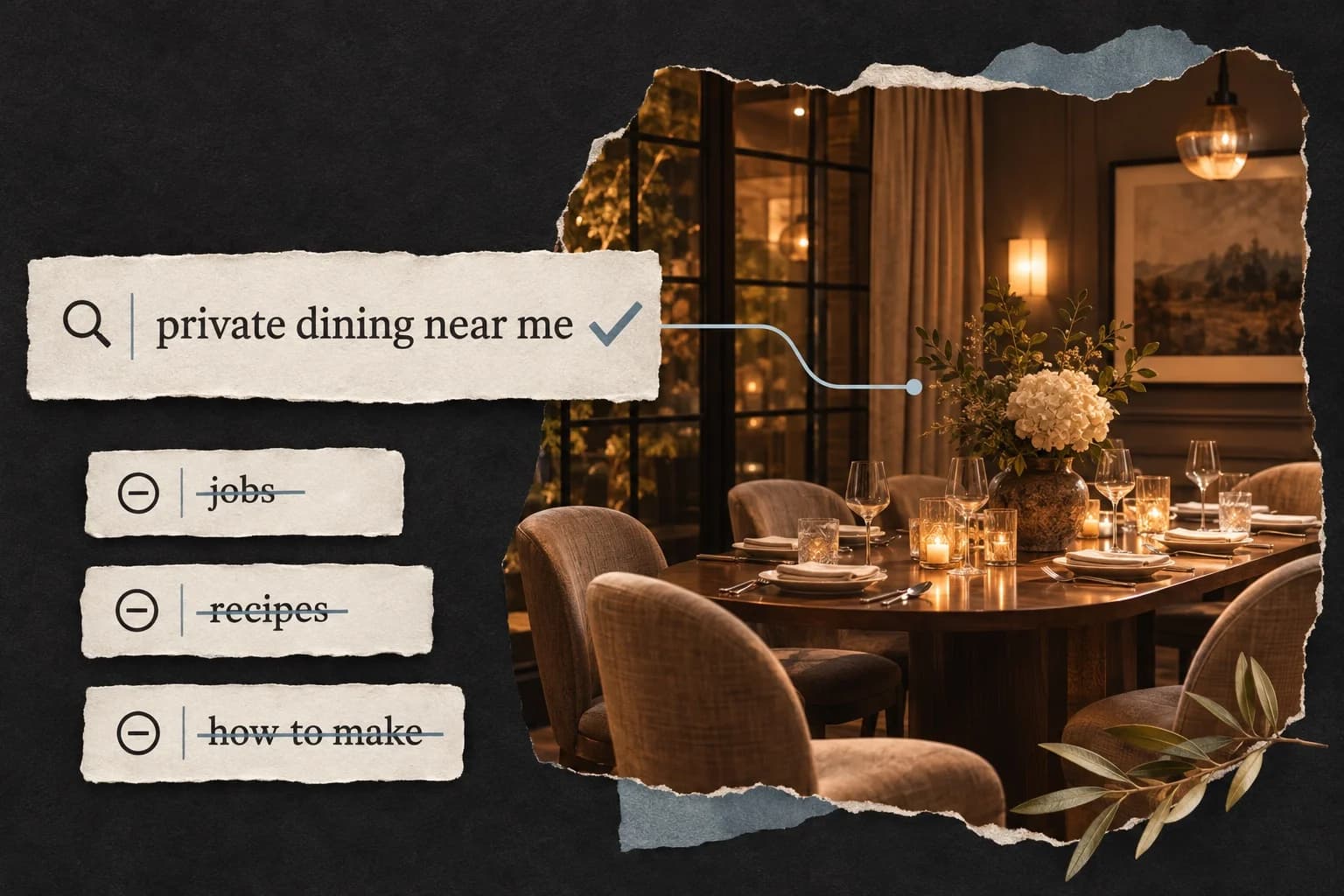
Broad match lets Google decide what your keywords mean, and on a small budget that gets expensive. We use phrase and exact match, then build negative keyword lists so the ads stay off searches like:
- jobs, careers, and "hiring"
- recipes and "how to make"
- other restaurants' names, including your own sister locations, so they don't compete with each other
- delivery, if you don't deliver
Then read the search terms report every week for the first month. It shows exactly what people typed before they clicked, and it's where most wasted spend gets caught.
Set Location and Hours With Care
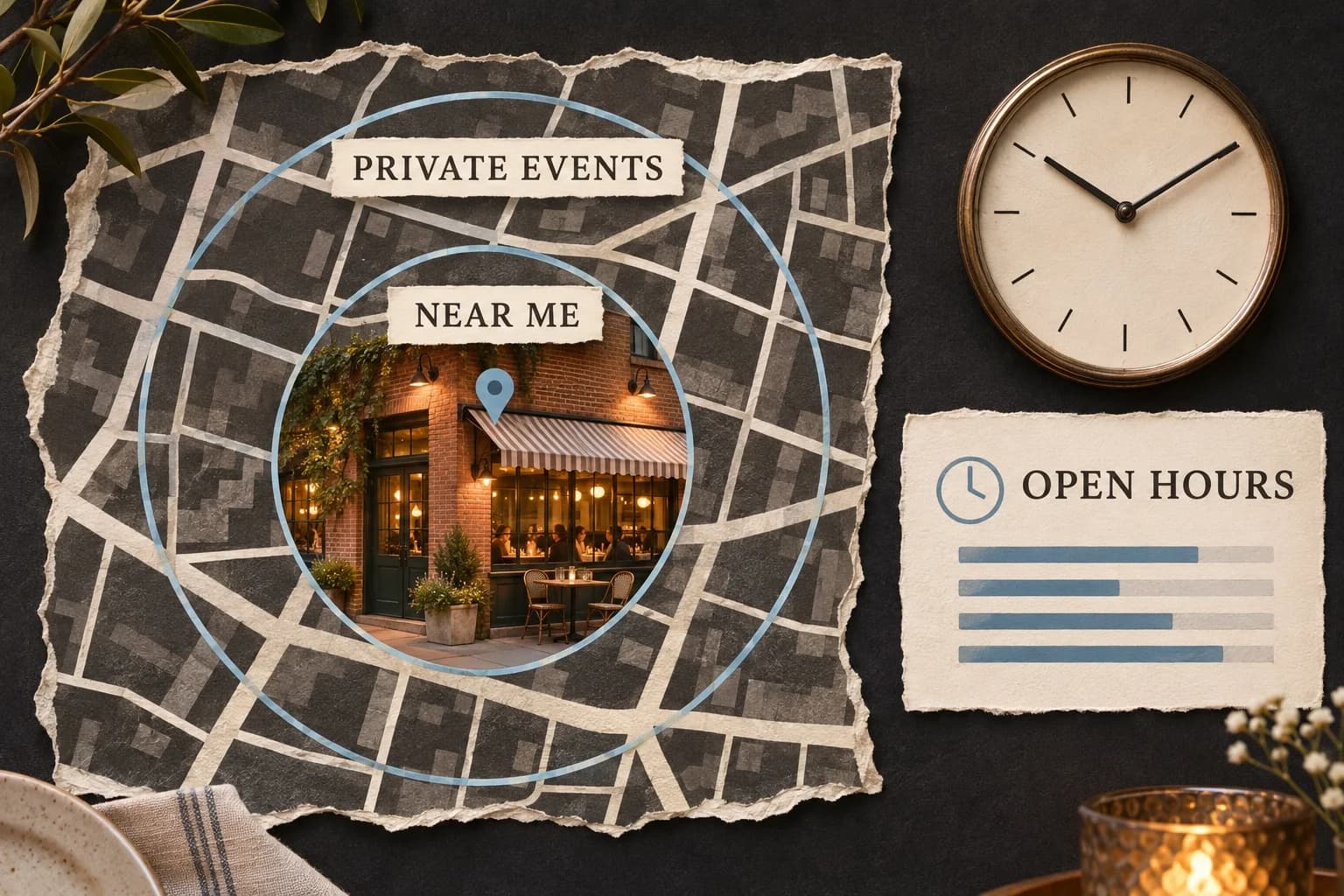
Match the radius to the intent. People drive farther for a private dinner than for lunch. A few miles is plenty for "near me" searches, while private dining and holiday party campaigns can reach 15 miles or more.
Target people in the area. In location settings, choose people in or regularly in your locations. The default also shows ads to people who are only interested in the area, and for a restaurant that's mostly wasted spend.
Run near me ads only while you're open. Use an ad schedule, and only show a call button when someone is there to answer.
Track the Results That Matter
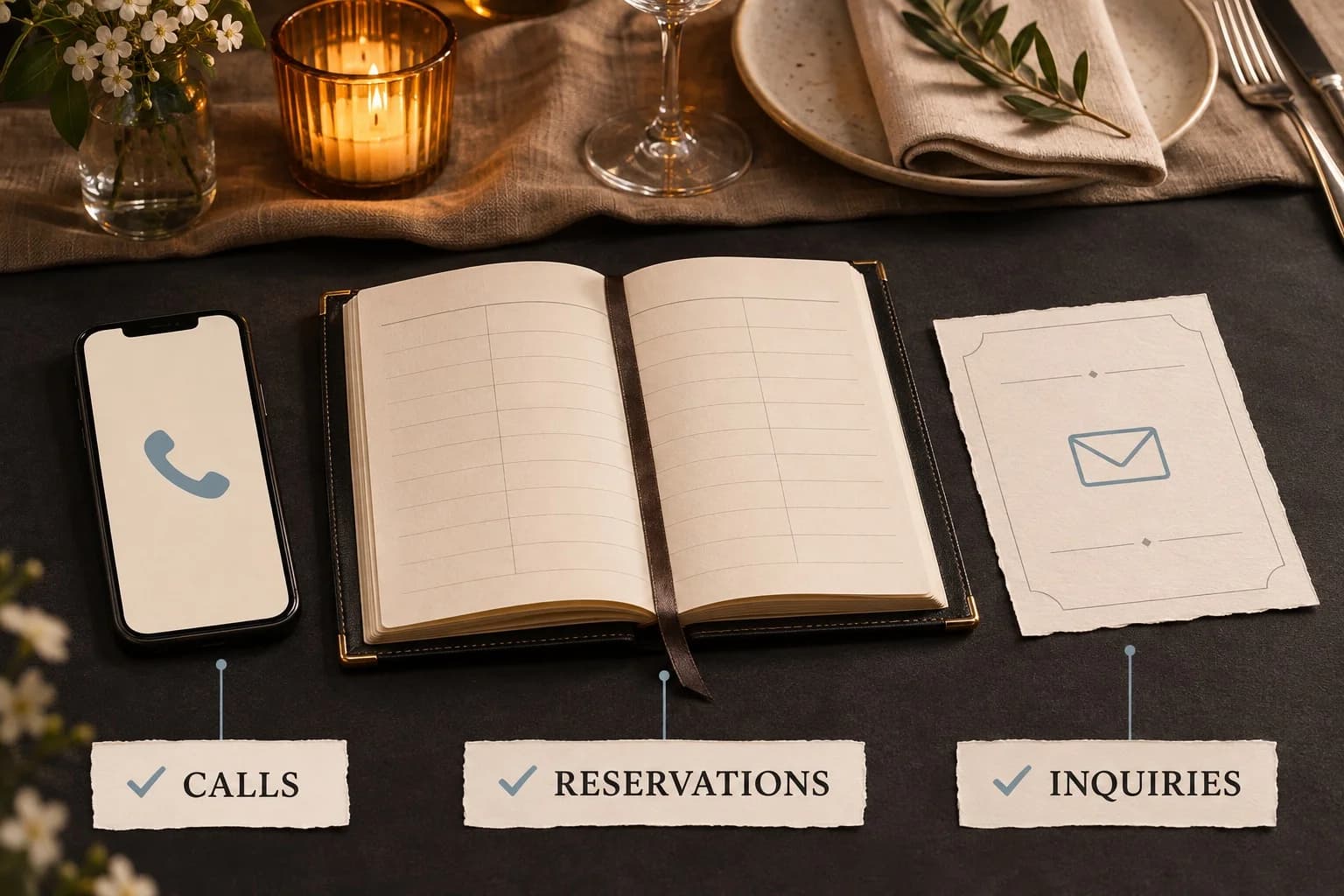
Google uses your conversion data to decide who sees your ads, so what you count changes how it spends. For restaurants, a useful conversion is one of these:
- a reservation, which OpenTable can send straight into Google Ads
- a call that lasts a minute or more
- a private event or catering inquiry
Be careful with clicks. We often audit accounts where a click on the "Order online" or "View menu" link counts as a conversion. The numbers look great, but Google then chases clickers instead of guests. Keep those clicks as secondary data, not as the goal.
Turn Off the Features That Write for You
New accounts come with options that let Google rewrite your ads, add its own headlines, generate images, and apply its recommendations on its own. For a restaurant, that can mean an ad promising a dish you don't serve, holiday hours you never set, or a photo of food that isn't yours. We switch off auto-applied recommendations and the automatically created assets, then check the account for anything Google added back.
What Google Ads Costs for a Restaurant
Clicks are priced by auction, so costs move with the search, the neighborhood, and the season. In our Atlanta accounts, brand and dining clicks often cost a dollar or two. Private dining, event, and catering clicks cost more, usually several dollars each, because one booking is worth far more.
A $1,500 monthly budget works out to about $49 a day across all campaigns. That's enough to cover your name, your best dining searches, and one or two high value offers like private dining, as long as the setup stays tight.
Plan Seasonal Campaigns Early
Holiday party searches start climbing in October. Have that campaign live by early November, point it at a page that lists your rooms, capacities, and how to book, and give it an end date that matches your last bookable night. Set holiday hours in your ads, your Google listing, and your booking system at the same time, so guests don't see three different answers.
Your First Month Checklist
- Build Search campaigns split by brand, dining, and private events.
- Use phrase and exact match only, and add negative keyword lists.
- Set the location option to people in or regularly in your area.
- Track reservations, calls, and inquiries as conversions, and nothing else.
- Turn off auto-applied recommendations and automatically created assets.
- Read the search terms report every week and add negatives.
Common Questions
How much should a restaurant spend on Google Ads? Many independent restaurants start between $500 and $1,500 a month. Start where you can hold steady for three months, so Google has time to learn and you have time to see what a booking costs.
Is Google Ads better than social media ads for restaurants? They do different jobs. Google Ads reach people who are already searching for a place to eat. Social ads reach people who weren't looking yet. Most restaurants get the quickest return from Google first, and it helps to have your free listing in shape before you pay for clicks. Our guide to local SEO for restaurants covers that.
How long until Google Ads work? The first two weeks are mostly learning and cleanup. Judge a campaign on what it brings in after 30 to 60 days, not the first week.
If you'd like us to look over your account or set one up, get in touch. We run Google Ads for restaurants, food halls, and hospitality groups across Atlanta.