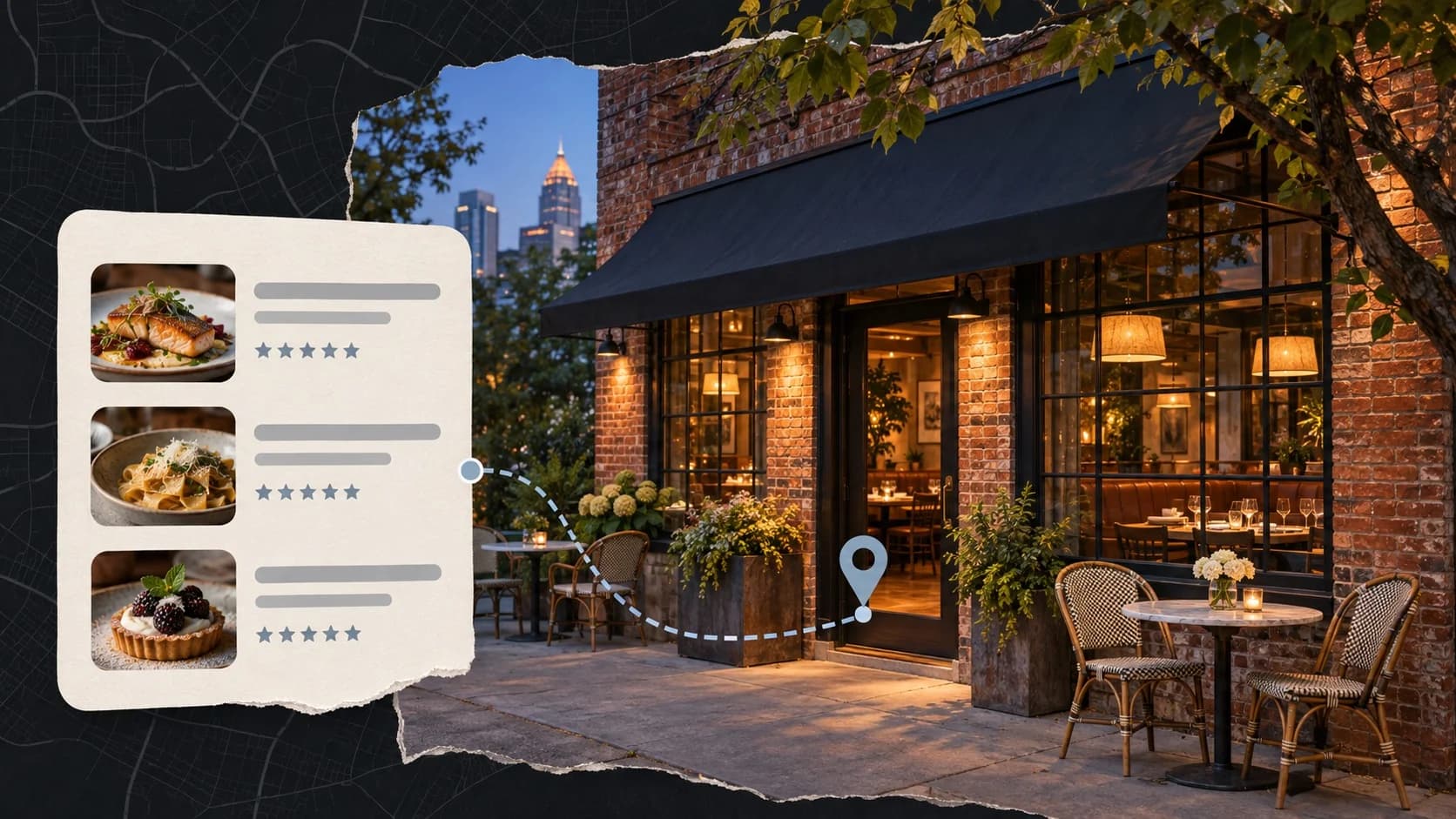
When you're hungry, you don't go to Instagram, you go to Google. Most guests decide where to eat from a map, a list of three restaurants, and a row of star ratings, all before they ever see your website or your feed. Local SEO is the work that decides whether your restaurant is in that list.
We've managed Google listings, websites, and ads for restaurants in Atlanta since 2021. This is the order we work in when a new restaurant comes to us, and none of it needs a big budget.
How Google Picks Which Restaurants to Show
Google says local results come down to three things:
- Relevance: how well your listing matches what someone searched, like "Thai food," "private dining room," or "brunch with a patio."
- Distance: how far you are from the person searching, or from the place they typed.
- Prominence: how well known you are, judged by reviews, links, mentions around the web, and how complete your information is.
You can't move your building, so the work goes into relevance and prominence. Almost all of it starts with one listing.
1. Get Your Google Business Profile Right
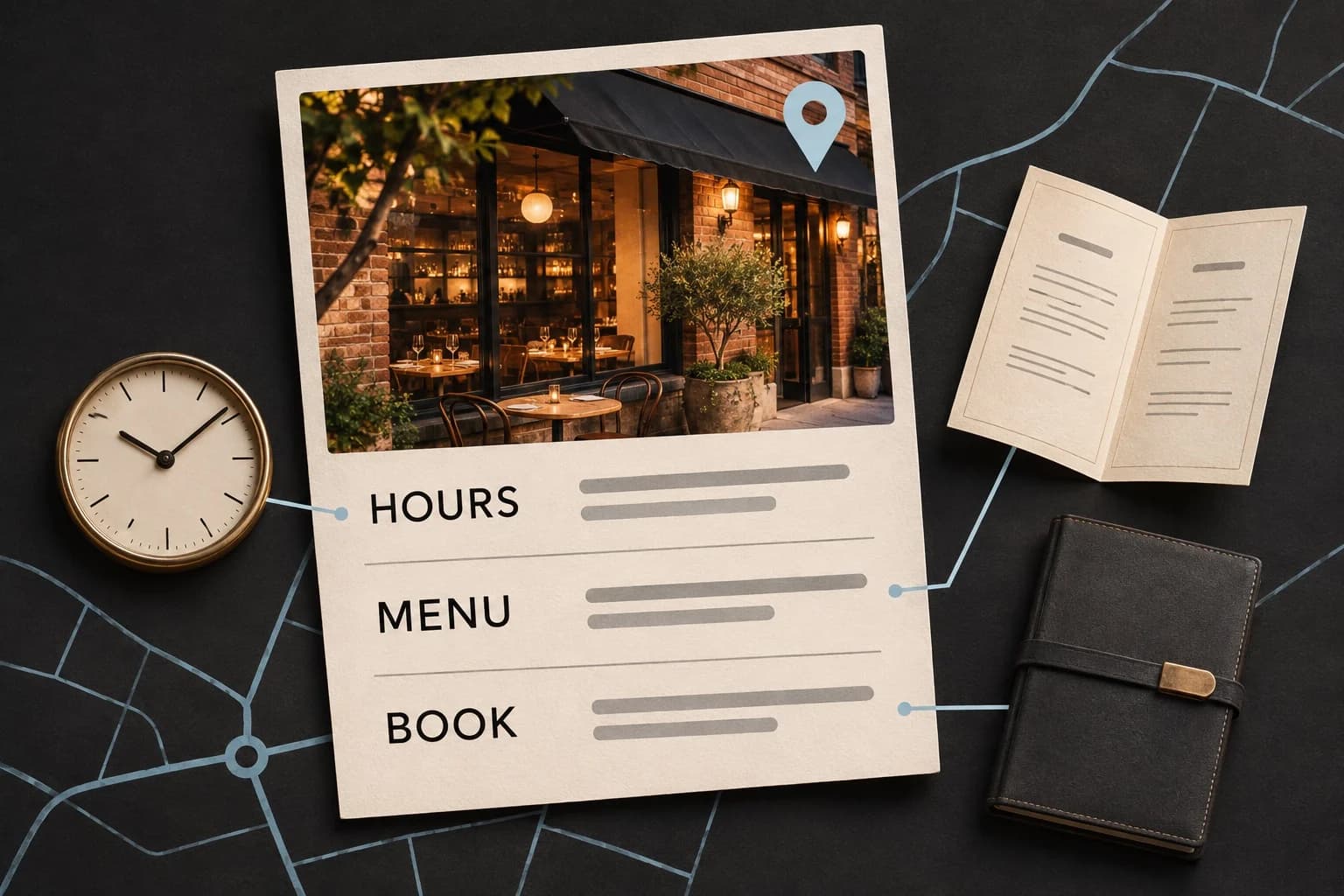
Your Google Business Profile is the listing that shows on Maps and on the right side of a search. For a restaurant it matters more than the website.
Make sure you own it. We regularly find listings that belong to a former manager's personal Gmail, a previous agency, or nobody at all. If you can't edit your own hours today, fix that first. Ownership should sit with an account the business controls.
Pick the most specific primary category. "Thai restaurant" or "Steak house" beats "Restaurant." The primary category does a lot of the work in deciding which searches you show for. Add a few honest secondary categories, such as "Caterer" if you cater or "Bar" if the bar is a real part of the business.
Keep hours right, including holidays. Wrong hours are the fastest way to lose a guest for good. Set special hours for Thanksgiving, Christmas Eve, New Year's Day, and any private buyout well ahead of time.
Add your menu and booking links. Link to a menu page on your own site and to the place guests actually book, whether that's OpenTable, Resy, Toast, or your own form.
Fill in the attributes. Outdoor seating, private dining, reservations, wheelchair access, and the rest are all searchable details. Only claim what's true.
Watch for edits you didn't make. Google accepts suggestions from the public and sometimes changes your listing on its own. Check it every month.
2. Make Your Name, Address, and Phone Match Everywhere
Google cross-checks your details against the rest of the web. Your name, address, and phone number should read the same on:
- Apple Maps, through Apple Business Connect
- Bing Places
- Yelp and Tripadvisor
- OpenTable, Resy, or whichever booking platform you use
- DoorDash, Uber Eats, and other delivery apps
This matters most after a move, a phone change, or a takeover. When a new restaurant opens in an old space, the previous restaurant's name often lingers on Apple Maps and Tripadvisor for years and splits your reviews and directions. Search for your address, not just your name, to find those leftovers.
3. Build a Website Google Can Read
Your website backs up everything your listing says. A few things make the biggest difference for restaurants:
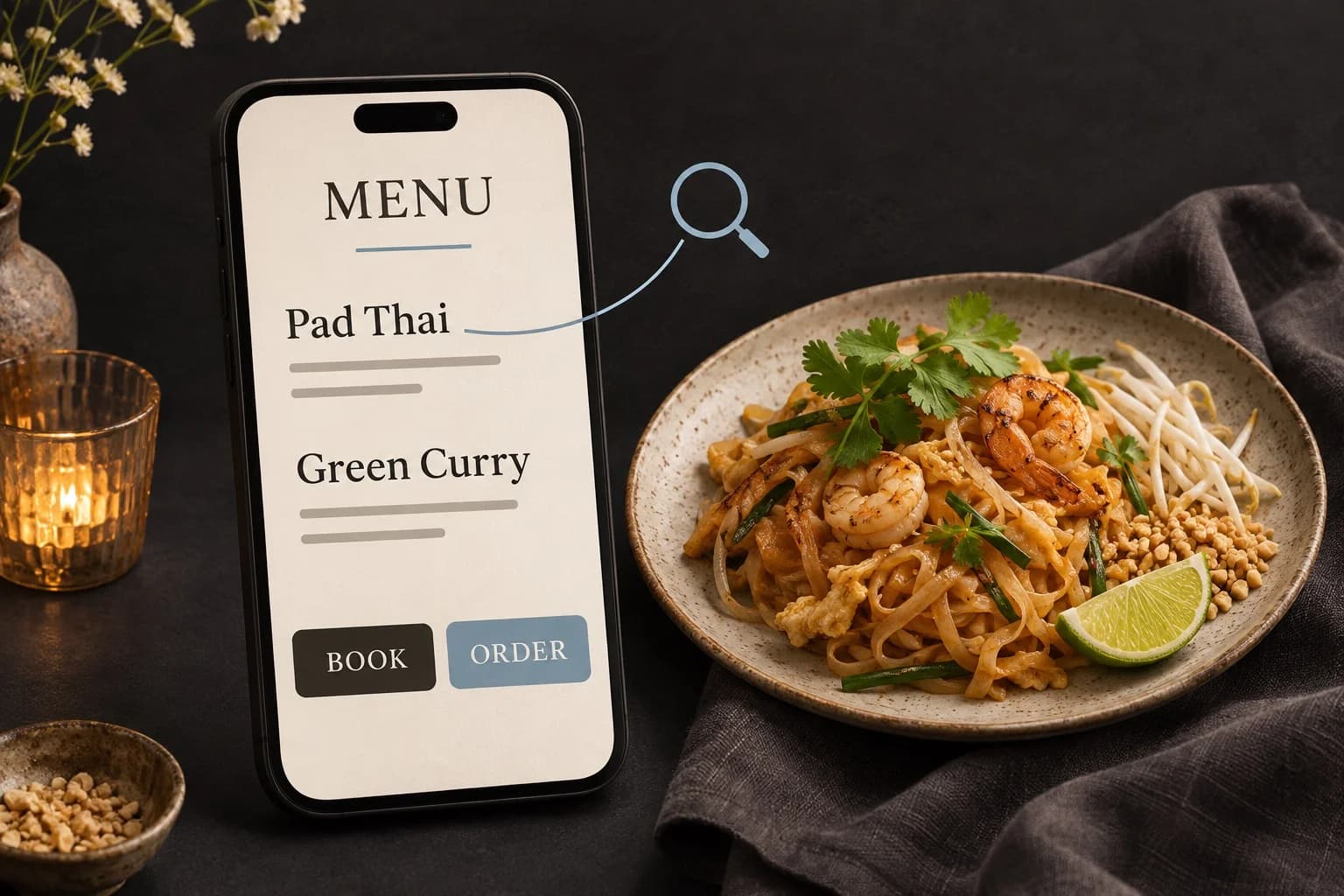
- Put the menu in text, not a PDF or a photo. A text menu lets Google match you to searches for specific dishes.
- Give each location its own page with its own address, hours, phone, and directions.
- Name the cuisine and neighborhood in your page titles. "Thai restaurant in Buckhead" tells Google more than "Home."
- Add restaurant structured data, the code that tells search engines your cuisine, hours, menu link, and whether you take reservations.
- Make it fast on a phone, with the Book and Order buttons visible without scrolling.
If your current site makes any of this hard, it may be time to move it. We move a lot of restaurants off templates that hide menus in images and slow every page down, like this steakhouse we moved off Wix.
4. Reviews: Volume, Recency, and Replies
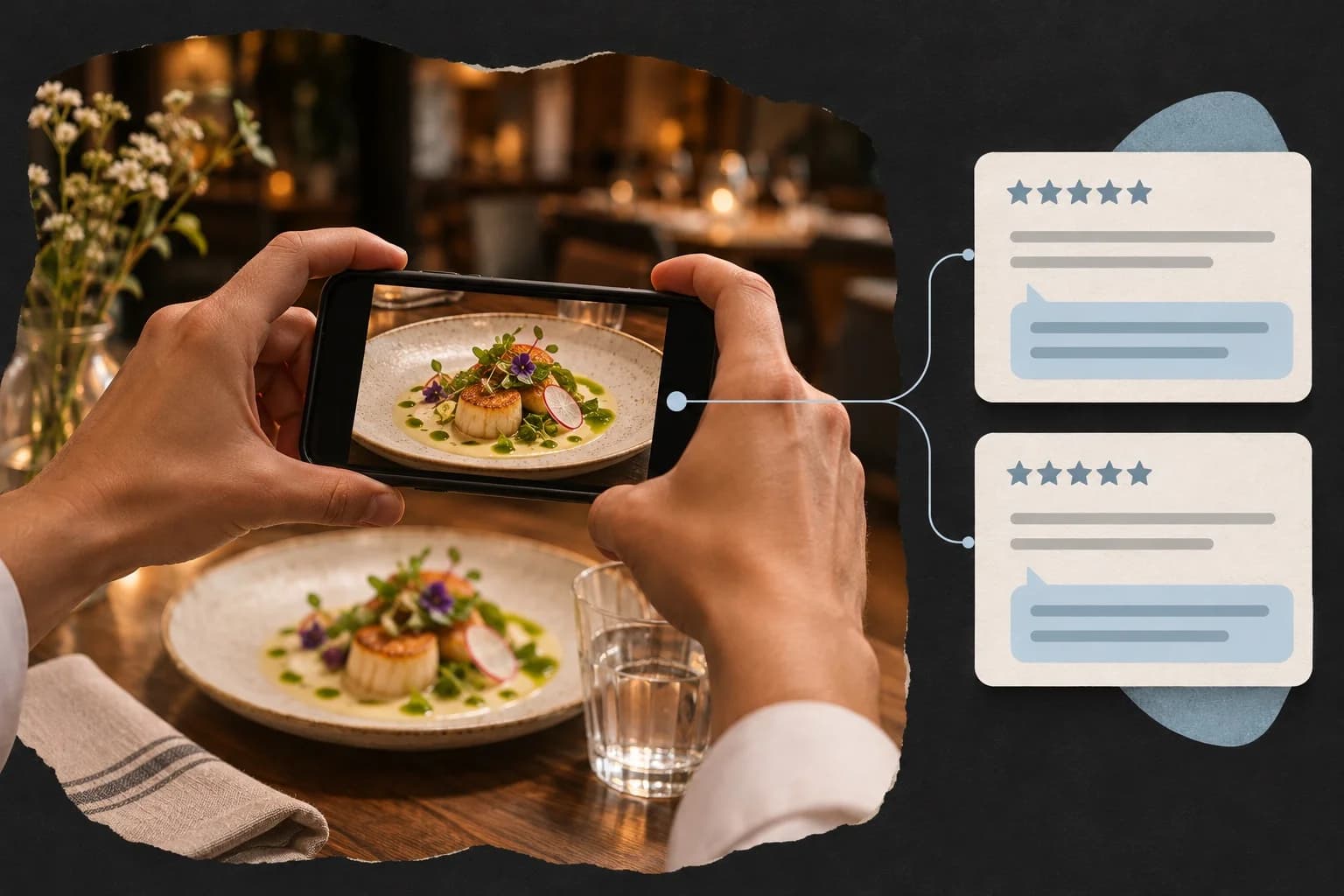
Reviews are the biggest prominence signal you can influence. Three things count: how many you have, how recent they are, and how you respond.
- Ask at the right moment. A short card with the check, a line in your reservation follow-up email, or a QR code by the host stand works better than a request a week later.
- Reply to every review. Thank the good ones by name and dish. Answer the hard ones calmly, take the details offline, and never argue in public. Future guests read your replies more closely than the complaint.
- Never pay for reviews or offer a discount in exchange. Google's policies forbid incentives, and only asking happy guests is against the rules too. Ask everyone the same way.
5. Keep Your Photos and Posts Current
Upload real photos of your dishes, your room, your bar, and your patio, and add new ones every month. Guests compare photos before they pick, and a listing full of three year old pictures looks closed.
Use Google posts for anything with a date: a holiday menu, a new chef's dinner, a patio opening, or holiday hours. They're free and show directly on your listing.
6. Show Up in AI Answers Too
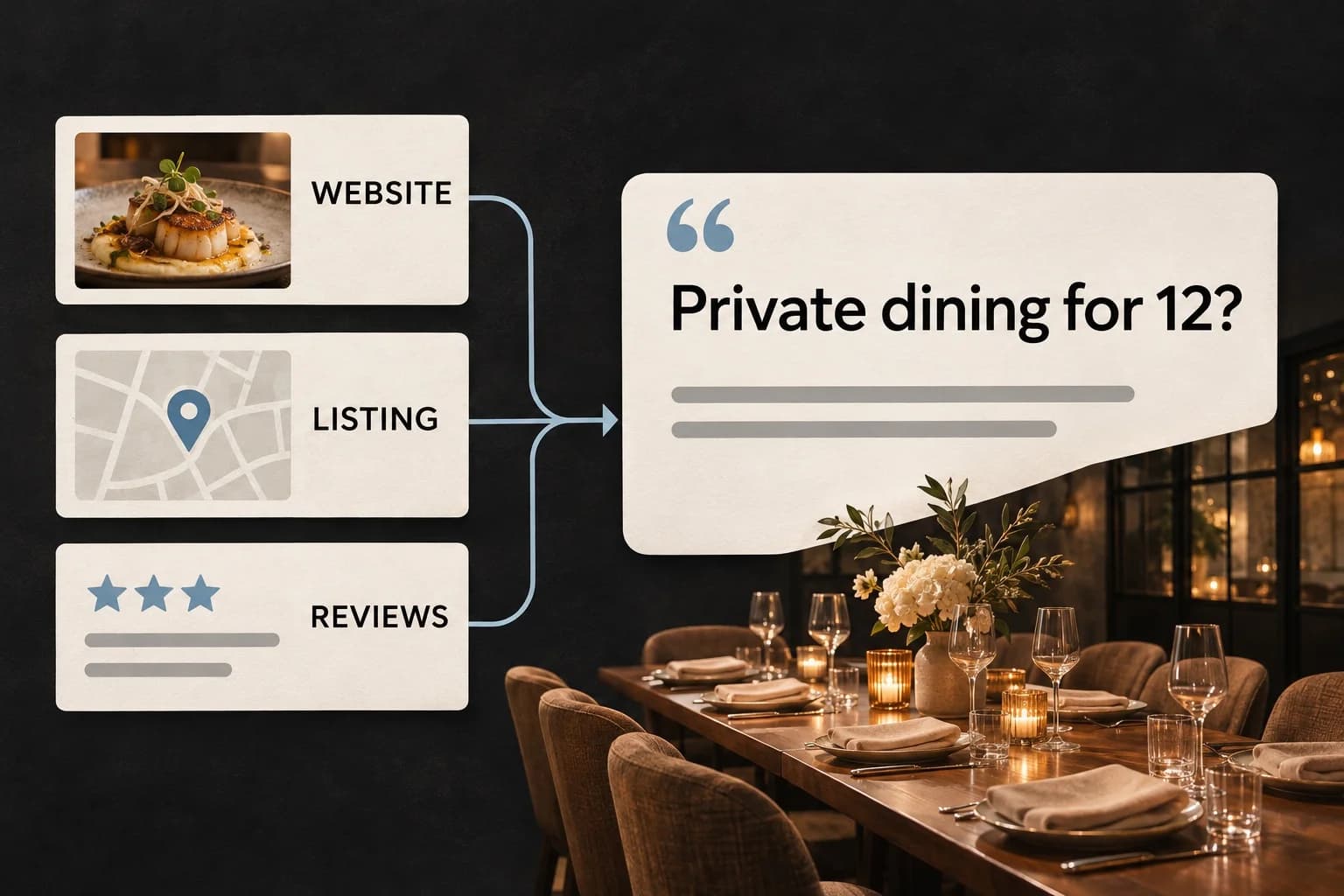
More people now ask Google's AI Overviews or ChatGPT where to eat. Those answers lean on the same sources: your website, your Google listing, and what reviews say about you.
The simplest way to help is to answer common questions in plain sentences on your own site. Can I book the private room for 12? Is there parking? Do you have gluten free options? Are you open on Christmas Eve? If the answer is only in a staff member's head, no search engine can find it.
What to Check This Week
- Log in to your Google Business Profile and confirm the business owns it.
- Check your primary category, hours, and holiday hours.
- Search your address on Apple Maps and Yelp and fix anything outdated.
- Make sure your menu is text on your website, not only a PDF.
- Reply to every review from the last 30 days.
- Upload five new photos.
None of this is a one time fix. The restaurants that stay at the top of the map keep the listing current, keep the reviews coming, and keep the website honest about what's on offer.
Common Questions
How long does local SEO take for a restaurant? Fixes to your listing, like categories, hours, and booking links, can change what you show for within a few weeks. Reviews and website improvements build over months.
Do I need to pay for ads to show on Google Maps? No. The regular map results are free. Ads can put you above them for specific searches, but they don't replace a strong listing. Our guide to Google Ads for restaurants covers when ads are worth it.
Should every location have its own Google listing? Yes. Each location needs its own verified listing with its own address, phone number, hours, and photos, and its own page on your website.
If you'd like a second set of eyes on your listing and site, get in touch. We work with restaurants, food halls, and hospitality groups across Atlanta.