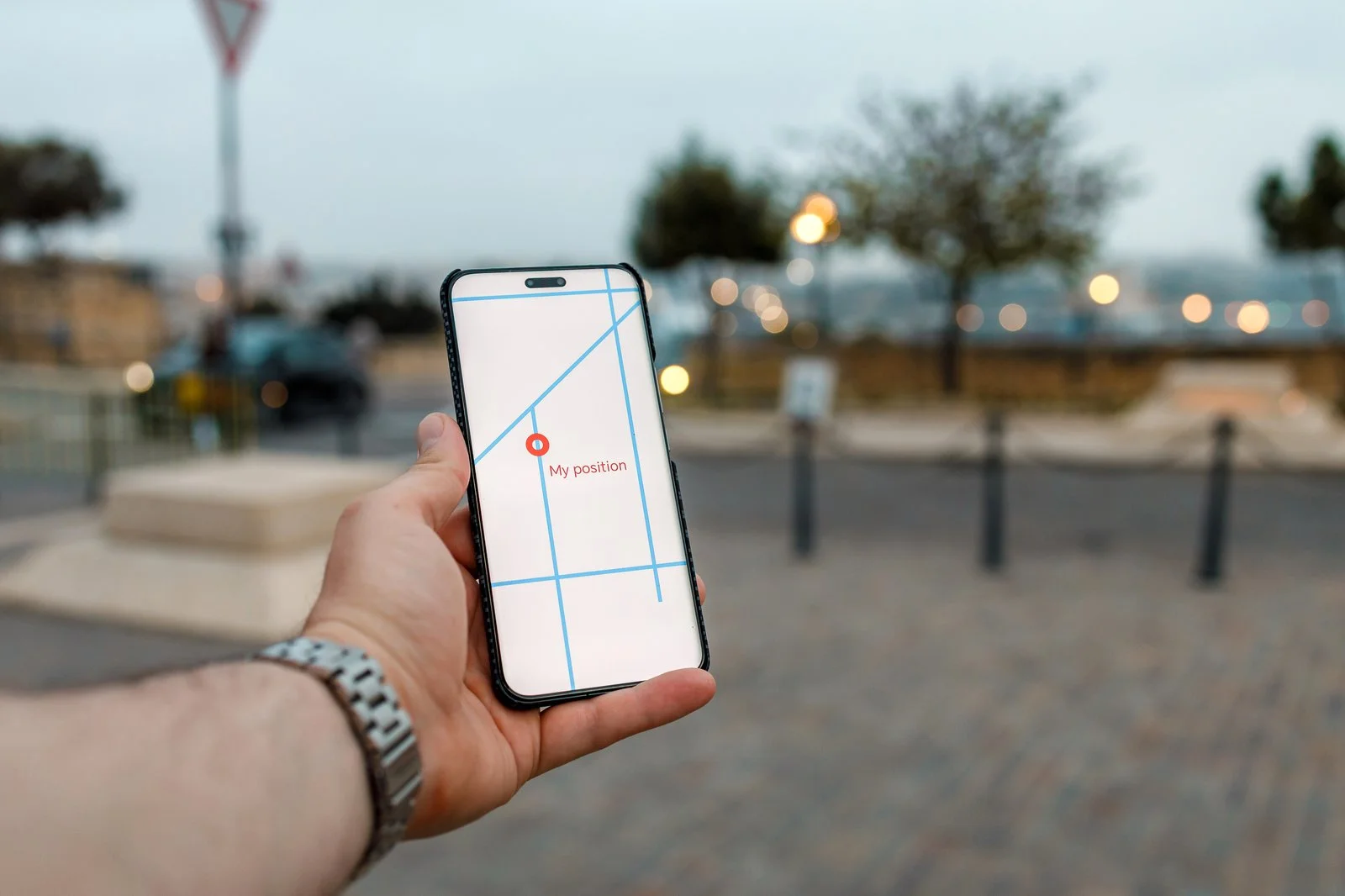
Apple Business Connect and Bing Places are free tools that let you control how your business appears on Apple Maps and Bing Maps, and they matter more than most owners think. Apple Maps is the default map on every iPhone, and Siri draws on it when someone asks for a business nearby. Bing powers Microsoft Copilot's search, and ChatGPT's search has used Bing as one of its sources. If your listings there are missing or out of date, those tools may send people to the wrong address, the wrong hours or a competitor. Claiming both takes an afternoon.
Most businesses put all their effort into their Google Business Profile and never look at the other two. When we check a new client's listings, these are the ones most often unclaimed or wrong. Here's how to set them up and why they matter for AI search.
Why These Two Listings Matter Now

iPhone users don't all use Google Maps. When someone taps an address in a text, asks Siri for "a dentist near me" or searches in Spotlight, Apple Maps answers. Apple builds those listings from its own data, its partners and what businesses tell it through Business Connect.
AI assistants search before they answer. When you ask Copilot or ChatGPT to recommend a business, they often run a web search first and write from the results. Bing's index and Bing's local listings are among the places they look. A business that's missing or wrong on Bing is harder for them to name correctly.
Consistency builds trust. Google, Apple, Bing and AI tools all compare what different sources say about you. When your name, address, phone and hours match everywhere, they repeat your details with confidence. When they don't, they may skip you or show the wrong thing. Our guide to generative engine optimization explains why agreement between sources matters.
How to Set Up Apple Business Connect

- Go to businessconnect.apple.com and sign in with an Apple Account. Use one the business controls, not a personal one that might leave with an employee.
- Search for your business. If Apple already has a listing, which it often does, claim it. If not, add it.
- Verify that it's yours. Apple may verify by phone call to the business number or ask for documents. It can take a few days.
- Complete the place card:
- Your real business name, exactly as on your sign
- The right category
- Address, or service area if customers don't come to you
- Phone, website and hours, including holiday hours
- A logo and photos of your entrance, inside and your work
- Add action links, such as booking, ordering or a quote request, so people can act from the map.
- Use Showcases for a promotion, a new service or a seasonal offer, if it fits.
Check it again after any change to your hours, phone number or address. Apple doesn't copy changes from Google.
How to Set Up Bing Places
- Go to bingplaces.com and sign in with a Microsoft account the business controls.
- Import from Google Business Profile, if your Google profile is accurate. Bing can copy your details in one step, which saves time and keeps them matching.
- Or add the business by hand if you'd rather start clean.
- Verify it. Bing may offer phone, email or a postcard, depending on the business.
- Fill in what the import missed: categories, photos, services and any attributes Bing offers.
Once it's live, set a reminder to check it when anything changes. Like Apple, Bing won't always notice your Google updates on its own.
While You're There, Check Your Website for Bing
Bing Places covers the map. For your website to show up in Bing's search results, and through it in tools that use Bing, two more things help:
- Bing Webmaster Tools. It's free and works like Google Search Console. Add your site, submit your sitemap and look for errors. You can import your site straight from Search Console.
- IndexNow. A simple way to tell Bing and other search engines the moment a page is added or changed, instead of waiting for them to find it. Our own site pings IndexNow whenever a page or post changes, and for Phoenix Parking Solutions USA, Bing and other search engines are told about new and changed pages on every update.
Also make sure your robots.txt file and your hosting or security settings don't block the crawlers that AI tools and Bing use. Our guide on getting recommended by ChatGPT lists the main ones.
The Rest of the Listing Short List
Apple and Bing join a short list that covers most of what people and machines read:
- Google Business Profile
- Apple Business Connect
- Bing Places
- Yelp, which also feeds some map apps
- The main directories for your industry, such as Healthgrades for doctors, Avvo for lawyers or Angi for contractors
Pick one format for your name, address and phone, suite number included, and use it on all of them. Search your old phone number and old address to find leftover listings from a move or a previous owner. Our local SEO checklist walks through the cleanup.
How to Check What the Assistants Say
Once your listings are fixed, test them:
- Ask Siri "Where's [your business name]?" and "Find a [your category] near me" from your area.
- Ask Copilot and ChatGPT the questions your customers ask, such as "Who does rug cleaning in Atlanta?" Use a fresh chat and ask a few times, since answers vary.
- Look at the sources each answer cites. If one keeps quoting an old directory, fix that directory.
You can't edit what an AI tool says, only what it reads.
Your Checklist
- Claim and verify your Apple Business Connect listing with a business-owned Apple Account.
- Add your hours, photos, logo and a booking or contact action link.
- Claim Bing Places, importing from Google if your Google profile is accurate.
- Add your site to Bing Webmaster Tools and submit your sitemap.
- Make sure your robots.txt and security settings let search and AI crawlers in.
- Match your name, address, phone and hours across every listing.
- Ask Siri, Copilot and ChatGPT about your business, and fix what they get wrong.
Common Questions
Is Apple Business Connect free?
Yes. Claiming and managing your listing costs nothing.
Does Bing still matter if most people use Google?
Yes, because Bing feeds more than Bing.com. Microsoft Copilot uses it, Windows search uses it, and some AI tools draw on it. It takes little time to set up.
Will these listings help me show up in ChatGPT?
They can help, by making accurate information about you easier to find. No listing guarantees a recommendation, and the tools change often. What you control is whether what they read is correct.
If you'd like help cleaning up your listings across Google, Apple, Bing and the directories for your industry, get in touch. Listings are part of our SEO, AEO and GEO work for businesses across metro Atlanta and North Georgia.