
A website redesign goes well when you settle a few things before anyone opens a design file: what the site needs to do better, which pages and web addresses already bring in traffic, what systems it has to connect to, who will update it, and how you'll measure whether the new site works. Skip those and a redesign can look better and perform worse, usually because old addresses break, tracking disappears or the booking path gets harder. This checklist covers what to decide before, during and after.
We've rebuilt sites for a butcher shop, a steakhouse, food halls, restaurants and a rug cleaning company. For CHR Steak, we took the steakhouse off Wix onto a new custom site in 45 days. For Frazie's Meat & Market, we moved the shop off WordPress and kept every page at its original address. This is the order we work in.
Before You Start: Decide Why You're Redesigning
"It looks dated" is a fine reason, but it isn't a goal. Write down what the new site should do better, in terms you can check:
- More calls, bookings, quote requests or orders
- Fewer phone calls asking the same questions
- A site your staff can update without calling anyone
- Showing up for searches you're missing now
- Faster pages on phones
- Leaving a platform you've outgrown
Those goals decide the rest. A site meant to bring in more private event inquiries needs a different structure from one meant to cut down calls about hours and parking.
Step 1: Measure the Current Site
Save a benchmark so you can tell later whether the new site is better:
- Google Search Console: export the searches and pages that bring in clicks.
- Google Analytics: note your top landing pages and how many calls, forms and bookings come in each month.
- Speed: run your main pages through Google's PageSpeed Insights.
- Questions: ask your front desk what customers call to ask. Those answers belong on the new site.
Step 2: Inventory Every Page and Address
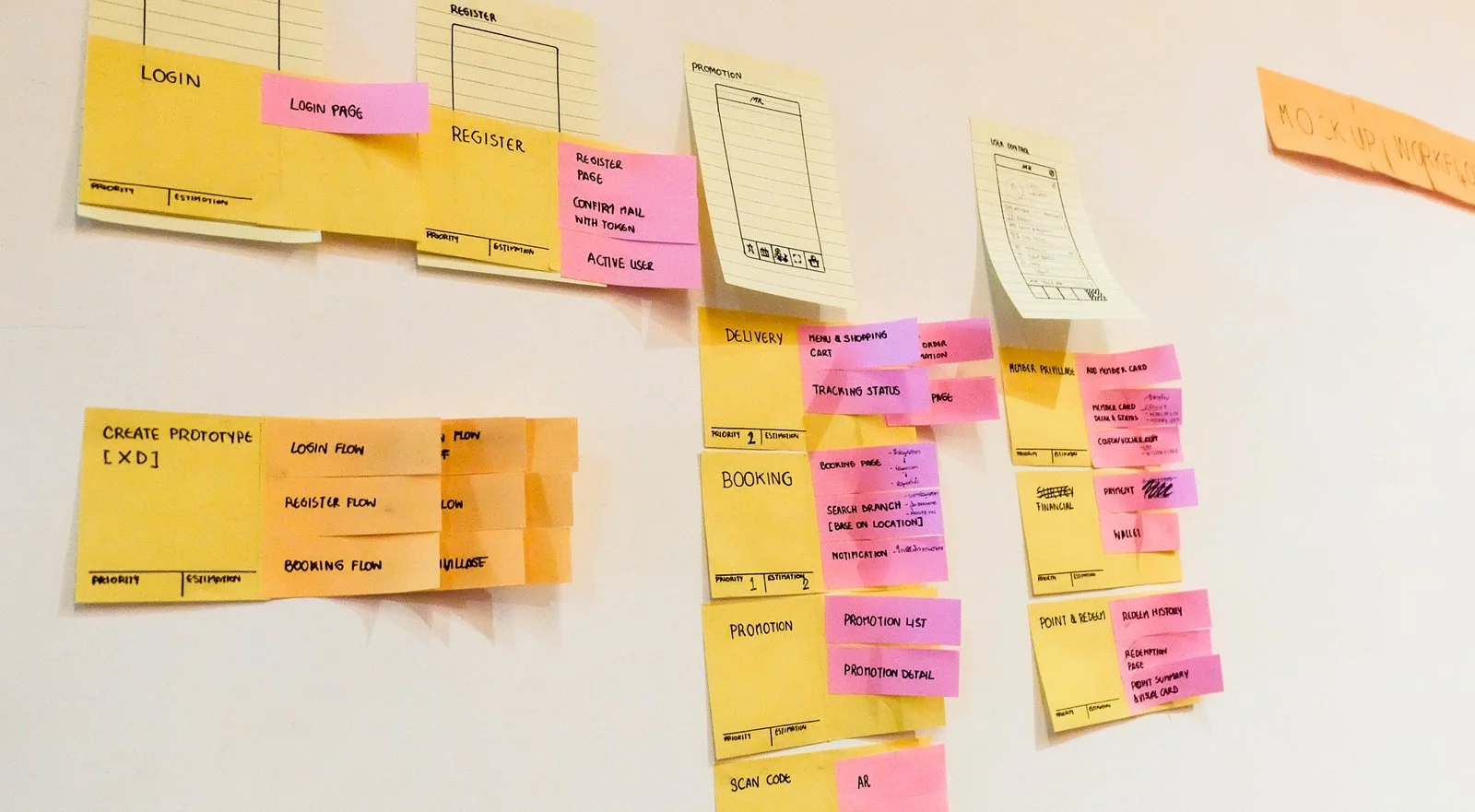
List every page on the current site, including old blog posts, event pages, landing pages for past campaigns, PDFs and anything printed on a flyer or QR code. Note which ones get traffic or links. Our website migration SEO checklist explains how to build a complete list.
Then decide for each page: keep, rewrite, merge or retire. Pages with traffic or links should keep their address if possible. If an address has to change, it needs a permanent redirect to its closest new page.
Step 3: List What the Site Connects To
Write down every outside system the site touches:
- Booking: OpenTable, Zocdoc, a scheduling tool
- Ordering and payments: Toast, ChowNow, Square, a store checkout
- Inquiries: Tripleseat, a CRM, an email inbox
- Email sign-ups: Mailchimp, Klaviyo
- Reviews, chat, maps and analytics
Each one needs to work on day one. For Frazie's, every order, shop and gift card path goes to the shop's Toast storefront. On CHR Steak's site, reservations and private dining run through OpenTable, and staff publish events and see inquiries in a back office.
Step 4: Decide Who Updates What
If your team will change hours, menus, events or staff photos, plan for it now. A dashboard for events, posts and pop-ups saves a call to the agency every time something changes. If changes will go through your web team instead, agree on how fast they'll be done. Our guide on website maintenance costs covers what a care plan should include.
Step 5: Plan the Pages Around What Customers Ask
- One page per service, product line or location, each opening with a plain answer: what it is, who it's for, where and how to book.
- A clear next step on every page: call, book, order or request a quote.
- Plain answers to common questions, which help customers and give Google and AI tools something to quote. See how to show up in Google's AI Overviews.
- Real photos of your place, your team and your work. Stock photos tell visitors nothing.
- Content as text, not locked in images or PDFs.
Step 6: Build Search and Accessibility In
Don't leave these for the end:
- Page titles and descriptions for every page
- Structured data for the business, its services, events and questions
- A sitemap and a robots file
- Fast pages and readable text on phones
- Keyboard-friendly menus and forms, enough contrast and alt text. See our guide to ADA-compliant websites.
- Spam protection on every public form
Step 7: Review on a Private Preview
Before launch, review the new site on a private link, on a phone as well as a computer. Click every button, submit every form, try every booking and order path, and read every page once. We share a private preview link while a site comes together and work through notes in rounds until it's right.
Step 8: Launch Day

- Point the domain at the new site and check that both the www and non-www versions work.
- Turn on the redirects and test a sample of old addresses.
- Make sure tracking counts calls, forms and bookings.
- Submit the new sitemap in Search Console and Bing Webmaster Tools.
- Check that email still works if the domain's records changed.
- Update the website link on your Google Business Profile and other listings if any addresses changed.
Step 9: The Weeks After Launch
- Watch Search Console for pages Google can't find and add redirects for any old address it still asks for. After Frazie's launch, we redirected leftover WordPress and old event addresses as they showed up.
- Compare calls, forms and bookings with your benchmark.
- Ask your front desk whether customers mention anything confusing.
- Fix what you find, then set a date to review again.
Your Redesign Checklist
- Write down what the new site should do better, in terms you can measure.
- Save a benchmark from Search Console, Analytics and PageSpeed.
- Inventory every page and address, and decide keep, rewrite, merge or retire.
- List every system the site connects to.
- Decide who updates what, and whether you need a dashboard.
- Plan one page per service with a clear next step.
- Build in titles, structured data, accessibility and spam protection.
- Test everything on a private preview, then check redirects and tracking at launch.
Common Questions
How long does a website redesign take?
For a small business, several weeks to a few months, depending on the number of pages, the integrations and how quickly content and feedback come in. CHR Steak's move off Wix to a custom site took 45 days.
Will a redesign hurt my Google rankings?
It doesn't have to. Rankings drop when old addresses break, content disappears or pages lose their titles and structure. Keep addresses where you can, redirect the rest, and keep the content that ranks.
What does a website redesign cost?
Our custom marketing sites run $8,000 to $25,000. A move off a platform with the design kept runs $5,000 to $15,000. Sites with booking, dashboards or custom tools run $25,000 and up. See what a website costs.
Should I redesign or just update my current site?
If the site works, loads fast and you can edit it, updating pages may be enough. If the platform limits you, the site is slow on phones or every change needs a developer, a rebuild usually pays off. Our guide to leaving Squarespace, Wix or Webflow covers that choice.
If you're planning a redesign, get in touch. We design and build websites and move sites off their old platforms for businesses across metro Atlanta and North Georgia.