
Spanish SEO means making your business findable for people who search in Spanish: a real Spanish version of your website at its own web address, Spanish page titles and descriptions written from how people actually search, the right tags so Google shows each visitor the right language, and listings, reviews and ads that reach Spanish speakers too. Machine-translating your English pages and stopping there rarely works. Google can tell, and so can the people reading.
In Atlanta and North Georgia, many businesses serve customers who speak Spanish at home, and plenty of them search that way. We build bilingual sites and run ads in both languages. Our own site is in English, Spanish and French. Here's how to do it well.
Who Searches in Spanish
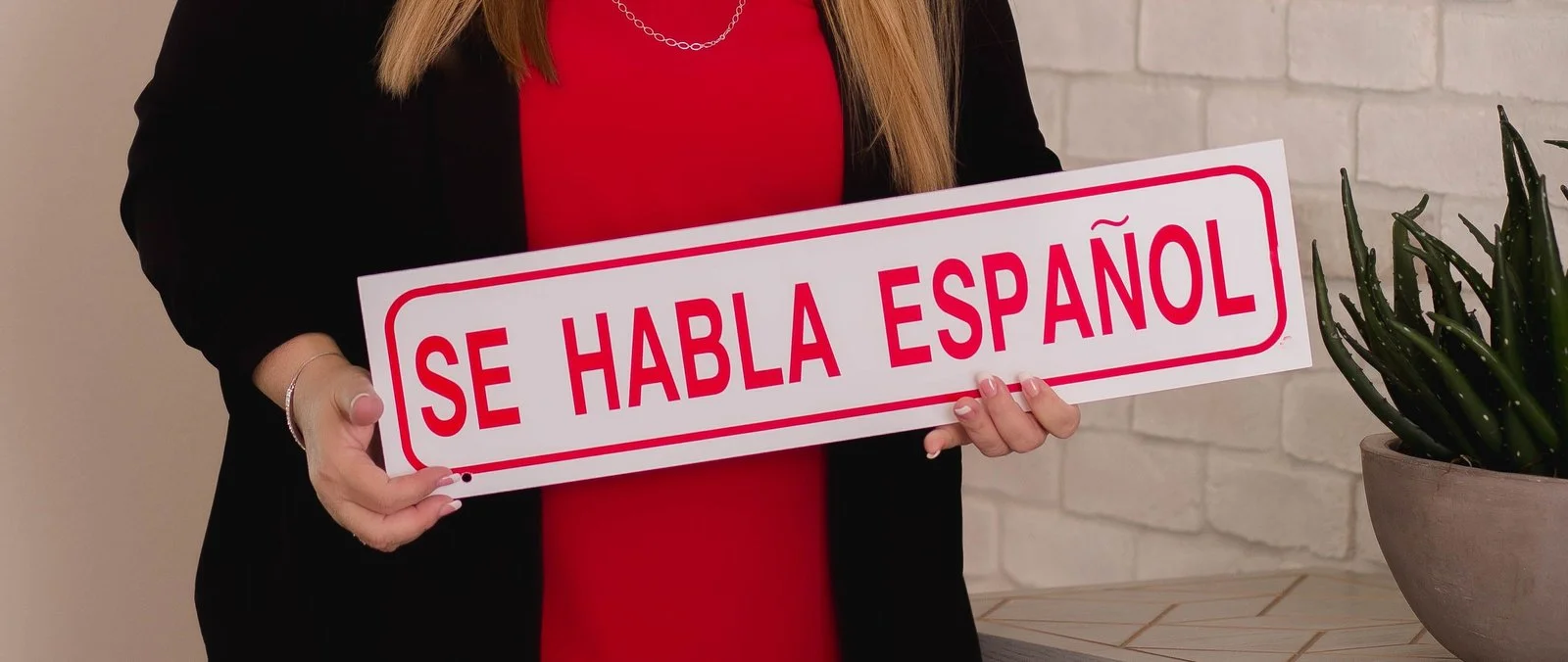
Not everyone who speaks Spanish searches in Spanish. Some search in English, some in Spanish, some mix the two in one search. Some have their phone set to Spanish and search in English anyway. What that means:
- Keep strong English pages for everyone.
- Add Spanish pages for the services Spanish speakers actually look for, and write them in the words they'd use.
- Check your own data. Google Search Console shows which searches bring people to your site, and Google Analytics shows which languages their browsers use.
Step 1: Give Each Language Its Own Address
Google needs a separate address for each language to show the right page to the right person. The usual setups:
- A folder: yoursite.com/es/servicios (the simplest, and what we use)
- A subdomain: es.yoursite.com
- A separate domain: yoursite.mx, usually only for businesses in another country
Avoid sites that switch languages with a button but keep the same address, or that translate on the fly in the browser. Google may only ever see the English version.
On sites we've built, each language has its own address. The storefront we built for Sneaky Pete Spirits and the site for Pedro Furtivo tequila both run in English and Spanish, and the site for Nuevo Laredo Cantina has a Spanish home page of its own.
Step 2: Tell Google Which Pages Match
Add hreflang tags so Google knows that /servicios and /services are the same page in two languages. Each page lists every language version of itself, including itself. Add a language switcher that goes to the matching page, not back to the Spanish home page.
Translate the parts people don't see too:
- Page titles and meta descriptions, written for Spanish searches
- Web addresses, such as /es/reparacion-de-techos instead of /es/roof-repair
- Image descriptions (alt text)
- Structured data, in each language
- Form labels, error messages and confirmation emails
Step 3: Write for How People Search in Spanish
Word-for-word translation misses how people search. A few examples:
- "Dentist near me" is often "dentista cerca de mí."
- Someone looking for a roofer might search "techero," "reparación de techos" or "arreglo de techo," depending on where they're from.
- Spanish speakers from Mexico, Puerto Rico, Colombia and elsewhere use different words for the same thing.
Use a keyword tool set to Spanish, check what Google suggests as you type, and ask your Spanish-speaking staff and customers what they'd search. Then have a fluent writer, ideally a native speaker who knows your field, write or edit the pages. Machine translation is a fine first draft and a poor final one.
Step 4: Don't Forget Listings and Reviews
- Google Business Profile: you get one profile and one description per location, not one per language. Say in the description, in English, that your team speaks Spanish, and add the "Language assistance" or similar attributes if Google offers them for your category.
- Reviews in Spanish: reply in Spanish. It tells future customers you'll serve them in their language.
- Spanish-language directories and media, where your industry has them.
- Your phone line: if a Spanish speaker calls, someone should be able to help, or at least the voicemail should say when to call back.
Step 5: Run Google Ads in Spanish
Google Ads can target people by the languages they use. A Spanish campaign with Spanish keywords and Spanish ads, sent to Spanish landing pages, usually beats a single English campaign with "Spanish" ticked in the settings.
- Keep Spanish in its own campaign, with its own budget, so you can see what it brings in.
- Write the ads in Spanish, not translated word for word.
- Send clicks to the Spanish page, not the English home page.
- Track the same actions as in English: calls, forms and bookings.
For Chattahoochee Food Works, we ran campaigns in both English and Spanish for the World Cup. Our guide to Google Ads costs covers budgets, and our Google Ads page shows how we build campaigns.
Step 6: Check What AI Tools Say in Spanish
People ask ChatGPT, Gemini and Google's AI Mode questions in Spanish too. Ask them the questions your Spanish-speaking customers would ask, in Spanish, and see whether you're named. If you have Spanish pages with clear answers, you give those tools something to quote. Our guide to generative engine optimization explains how the tools choose.
What It Costs
Adding Spanish to a site usually costs less than building a second site, since the design, code and structure are shared. The cost is mostly in writing and checking the Spanish content. On our custom builds, a bilingual site sits within our usual $8,000 to $25,000 range for a marketing site, depending on how many pages are translated. Our guide on what a website costs has the details.
Your Spanish SEO Checklist
- Check Search Console and Analytics for Spanish searches and Spanish-language visitors.
- Choose a folder setup, such as /es/, and give each page its own Spanish address.
- Add hreflang tags and a switcher that goes to the matching page.
- Write Spanish titles, descriptions and pages from real Spanish searches, edited by a fluent writer.
- Say on your Business Profile that you serve customers in Spanish, and reply to Spanish reviews in Spanish.
- Run Spanish ads in their own campaign, sent to Spanish pages.
Common Questions
Is it bad for SEO to translate my site with Google Translate?
Publishing raw machine translation can hurt, because the pages often read poorly and miss how people search. Use it as a starting draft, then have a fluent person rewrite and check it.
Should my Spanish site be on a separate domain?
For a business in the US, usually not. A /es/ folder on your main domain is simpler to run and shares the main site's authority with Google.
Do I need to translate every page?
No. Start with the pages Spanish speakers need most: your main services, contact, booking and frequently asked questions. Add more as you see what people use.
If you'd like help adding Spanish to your site or ads, get in touch. We build bilingual websites and run search work in both languages for businesses across metro Atlanta and North Georgia.